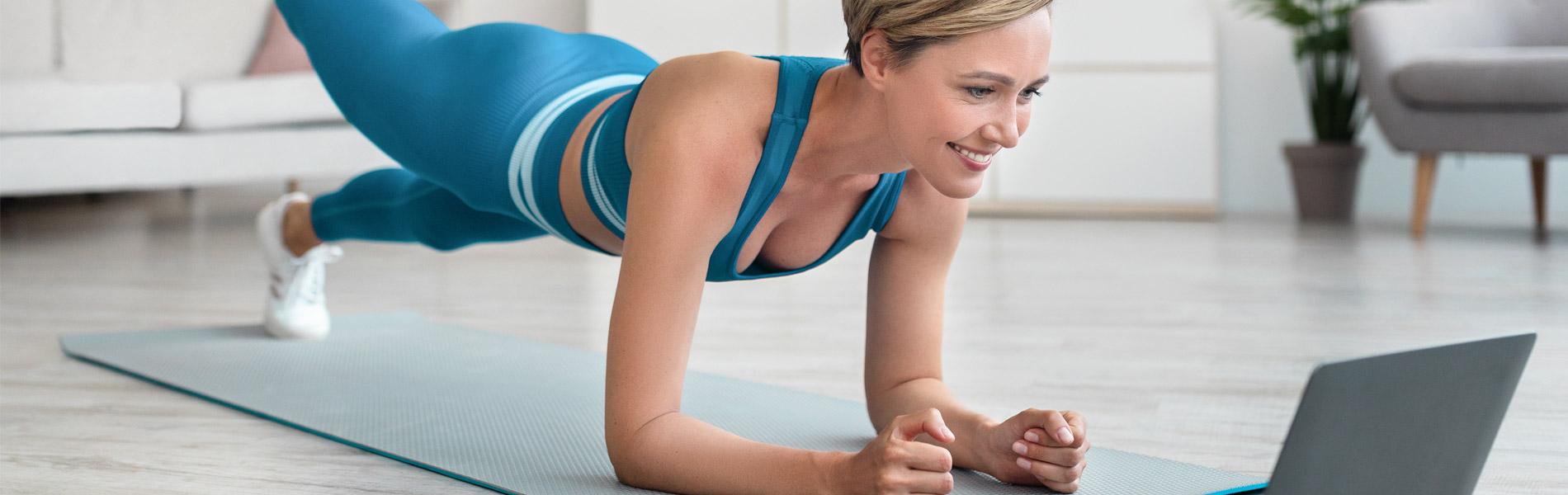
How to Stream Workouts on Your TV Display Group Article Icon Article Viewing the workouts on your smartphone, tablet, or laptop is pretty self-explanatory. All you need is a good internet connection. But getting the workouts onto your big screen TV at... View Content Arrow Forward Icon
How to Stream GHUTV Workouts to Your TV Using an HDMI Cable Display Group Article Icon Article If you don’t have a smartphone or tablet but still want to stream your videos, a good option to use is an HDMI connection. This simply hooks up your computer... View Content Arrow Forward Icon
How to Stream GHUTV Workouts to Your TV Using Google Chromecast Display Group Article Icon Article GHUTV does support casting using Android devices and the past two versions of Chromecast. The casting icons for users who have a Chromecast device will show up in the Brightcove... View Content Arrow Forward Icon
How to Stream GHUTV Workouts to Your TV Using Apple TV Display Group Article Icon Article First connect your Apple TV to your television with an HDMI cable. Then, on your Apple device, select the AirPlay icon on the menu bar. Under “Connect to AirPlay Display,”... View Content Arrow Forward Icon